How to Redeem Throw Food For Spooky Animals Codes
Ready-to-use steps once a Codes button appears in the Roblox experience.
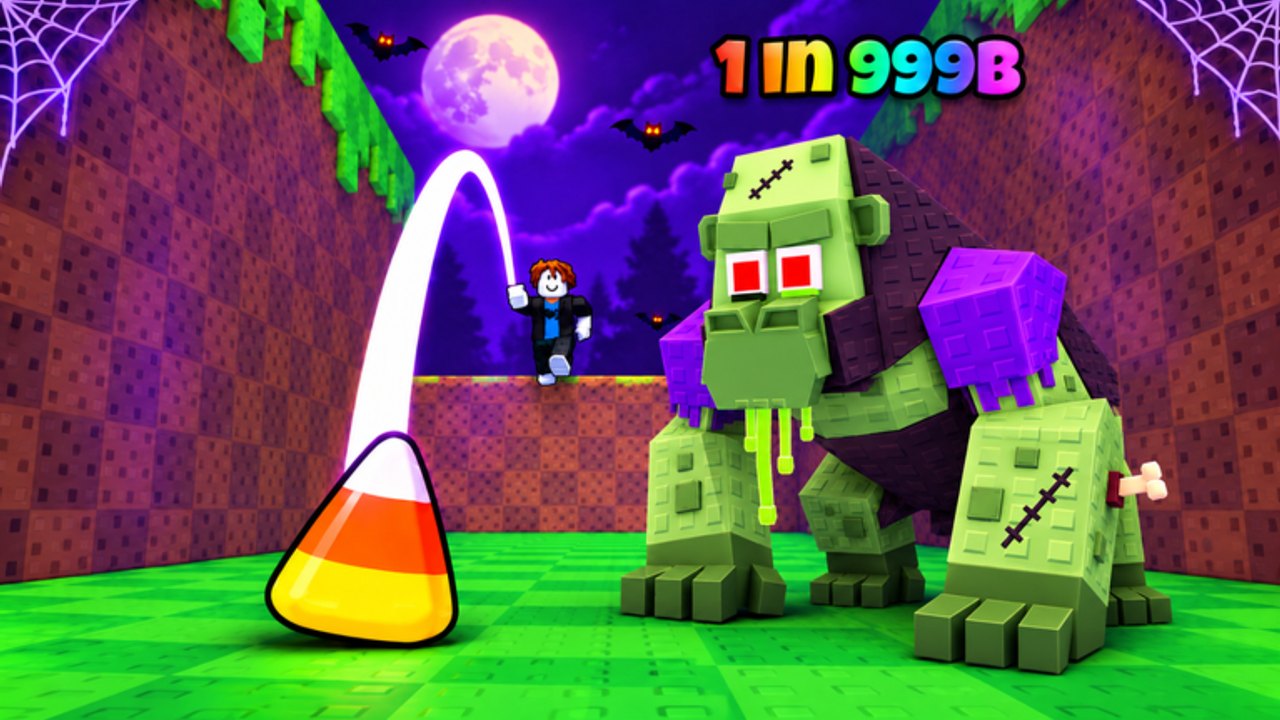
This page is the how-to redeem companion for the Codes Hub. Throw Food For Spooky Animals does not currently ship a working code box, but Roblox tycoons usually add one after a visit milestone or seasonal update. Bookmark these steps so you can claim rewards in under a minute when that UI lands.
Current status
As of our latest audit there is no Codes button, no chat command, and no NPC redeem desk inside Place 84622560457958. That means there is nothing to type today. Keep the Codes Hub open for the live table; use this article only after the developer enables redemption.
Likely redeem flow (standard Roblox pattern)
Most throw-food and animal collector experiences follow the same pattern once codes exist. Expect something close to this:
- Launch Throw Food For Spooky Animals on Roblox PC, mobile, or console.
- Wait until your plot and HUD fully load (skip any first-time tutorial prompts if you already finished them).
- Open the main menu or shop cluster on the side of the screen and look for a Codes, Rewards, or gift-box icon.
- Tap the text field, paste the code exactly as listed on the Codes Hub (watch capital letters).
- Confirm with Redeem / Submit and wait for the reward toast.
- Check inventory, cash, Throw Power, or plot animals depending on the reward type.
If the button is missing after an update that promised codes, rejoin a fresh server once. Soft locks sometimes hide new UI until a clean session starts.
Mobile vs desktop tips
- Mobile: rotate to landscape if the Codes panel sits under the throw meter. Long-press paste often works better than typing on a tiny keyboard.
- Desktop: paste with Ctrl+V / Cmd+V. Avoid adding spaces before or after the string.
- Console: if text entry is limited, redeem on mobile or PC first; many rewards are account-wide once claimed.
Common redeem errors
| Message / symptom | What it usually means | Fix |
|---|---|---|
| Invalid code | Typo, wrong game, or expired string | Re-copy from the Codes Hub; confirm Place ID |
| Already redeemed | One-time code already used on this account | Skip it; check for newer codes |
| No Codes button | Feature not shipped yet | Keep farming; re-check after updates |
| Reward missing | UI lag or wrong inventory tab | Rejoin, then check cash / animals / boosts |
Never buy “code generators”. They cannot invent developer strings and often push malware or stolen accounts.
What codes usually give in this genre
When throw-food tycoons finally add codes, rewards tend to fall into a few buckets:
- Flat cash for the next food tier
- Temporary Throw Power or luck boosts
- Free starter animals or egg rolls
- Cosmetic plot items
Those gifts speed the early game, but they do not replace training. After you redeem, return to the Throw Power guide and the food guide so the bonus compounds instead of sitting unused.
Pair codes with a real progression plan
A code that drops cash is wasted if you buy food for a zone you cannot reach yet. A clean order looks like this:
- Confirm your farthest reliable landing zone with a Perfect throw.
- Buy the cheapest food that improves animals in that zone.
- Spend leftover cash on the next pull-up stand.
- Only then chase Index gaps listed in the animal index.
Use the tier list when a code grants a limited animal: if its income multiplier or base rate beats your weakest plot slot, equip it immediately.
After admin abuse sessions
Admin abuse events sometimes grant items without typed codes. Stay in-server for the full window, avoid AFK kicks, and screenshot any popup rewards. Log what you received on the updates hub notes for your own tracking, then come back here if a follow-up code string is announced the next day.
Related pages
- Codes Hub — live and expired tables
- Getting Started — first session without gifts
- Updates Hub — when redeem UI is likely to appear
- Scripts Hub — separate from official codes; read the risk notes first
When Throw The CCU publishes the first real code, redeem it with the steps above, then keep farming. Codes are a boost, not a replacement for Perfect throws and smart food buys.
Frequently Asked Questions
Quick answers for Throw Food For Spooky Animals.
Can I redeem codes today?
Not yet. There is no confirmed Codes menu in Throw Food For Spooky Animals. Watch the Codes Hub for the first verified string.
Do codes work across devices?
Roblox account rewards are usually shared. Redeem on whichever device has a working text field, then continue playing on your preferred platform.
What if a code from a YouTube video fails?
Confirm the video targets Place 84622560457958 and that the string still appears on our Codes Hub. Many clips remix codes from other games.